
MapTiler Mobile2.1.6 - App Store
You'll be able to see results in few seconds.
Publisher Description
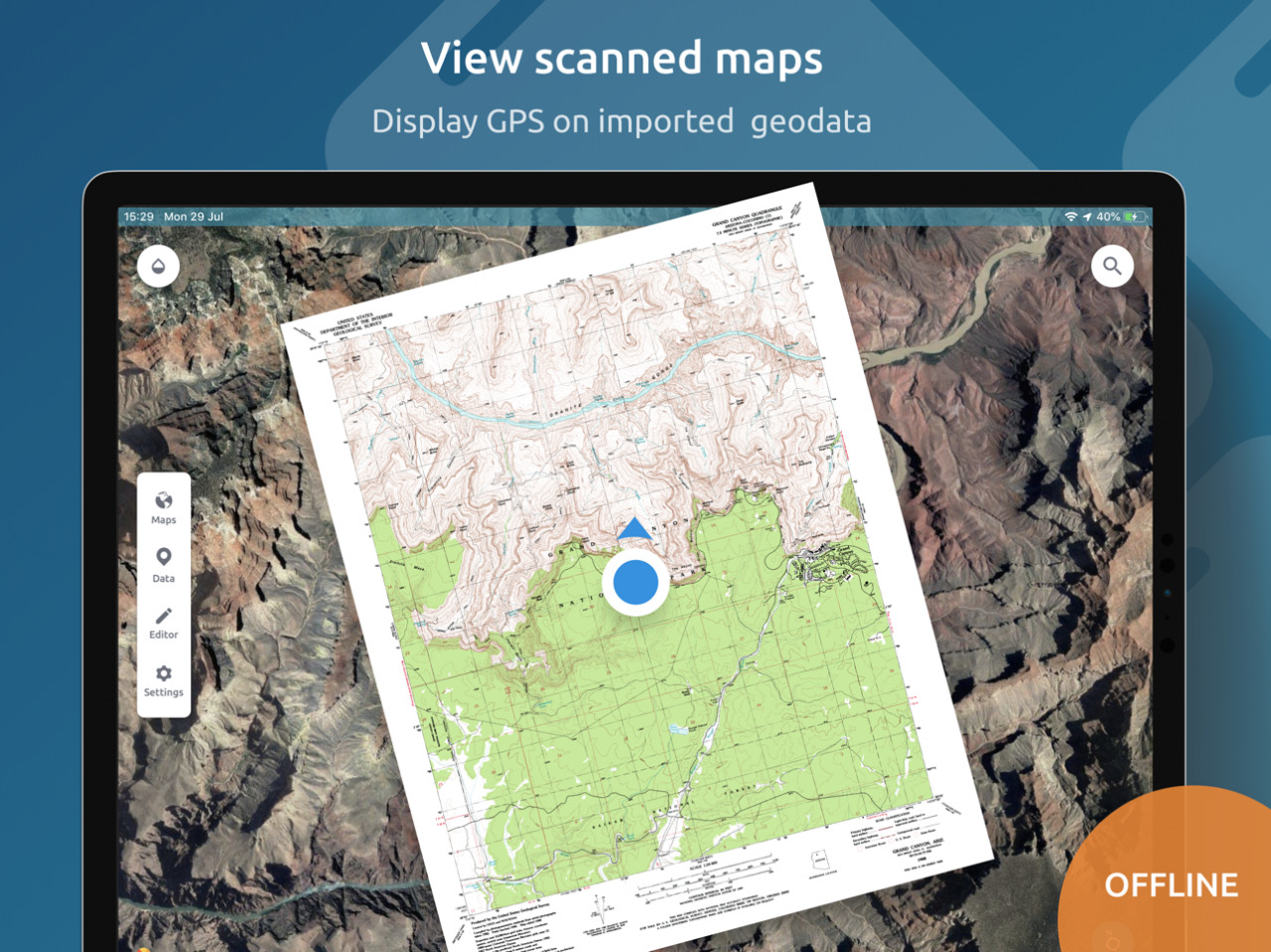
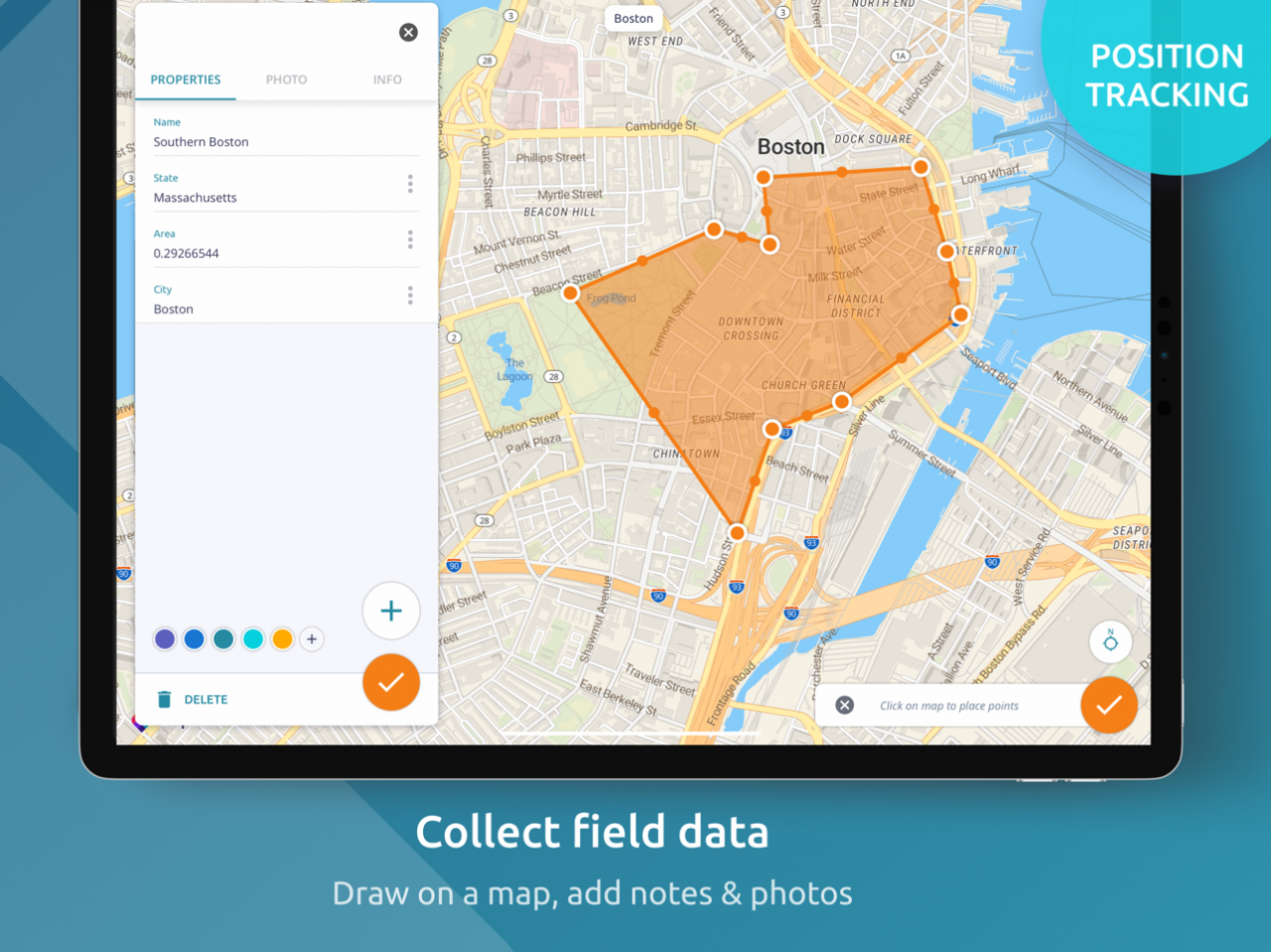
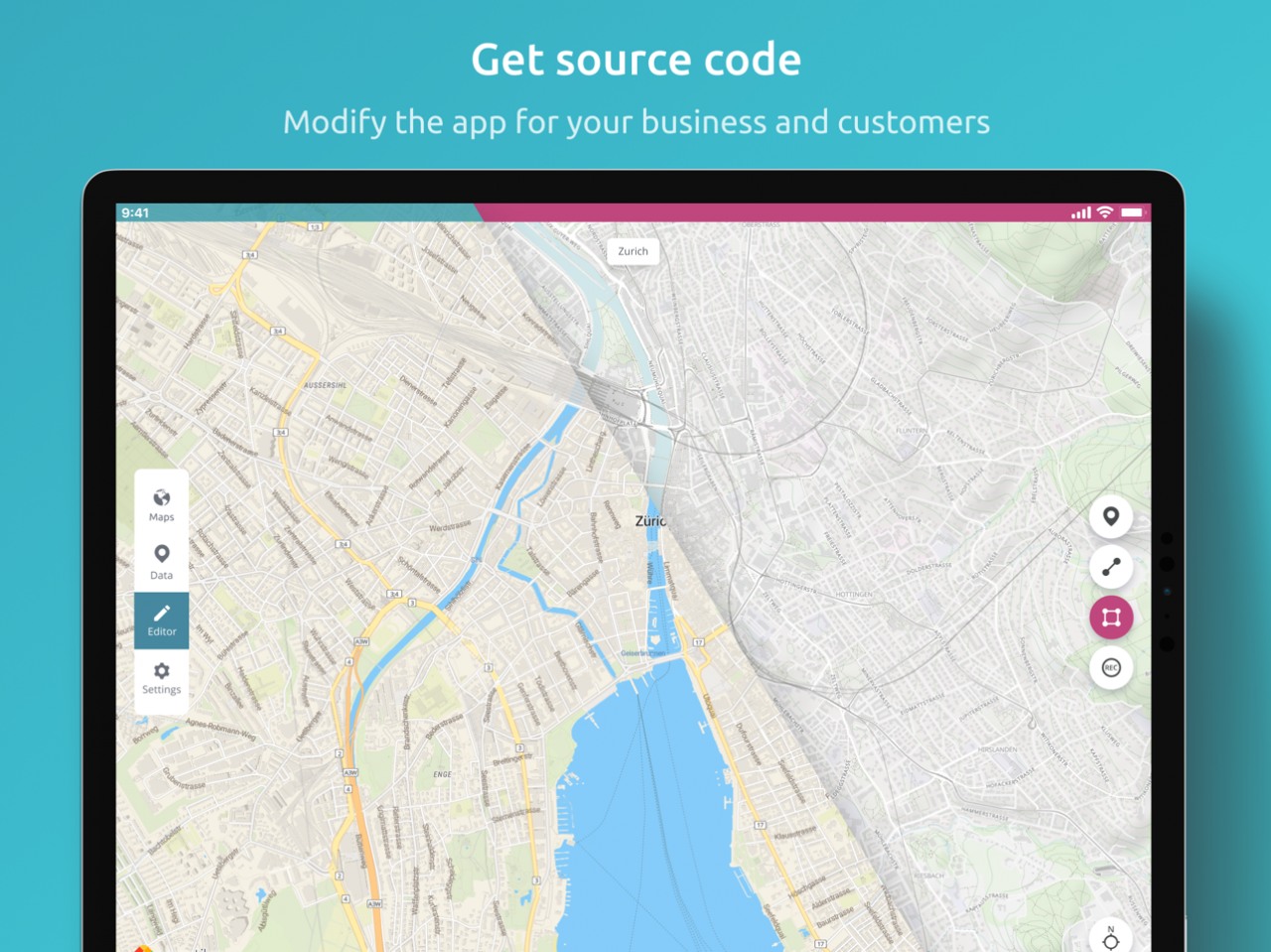
See your GPS position on your own maps. Draw points, polygons and lines on the maps. Collect field data and notes related to a location, attach a photo and fill custom properties.
Display offline maps generated with MapTiler (https://www.maptiler.com).
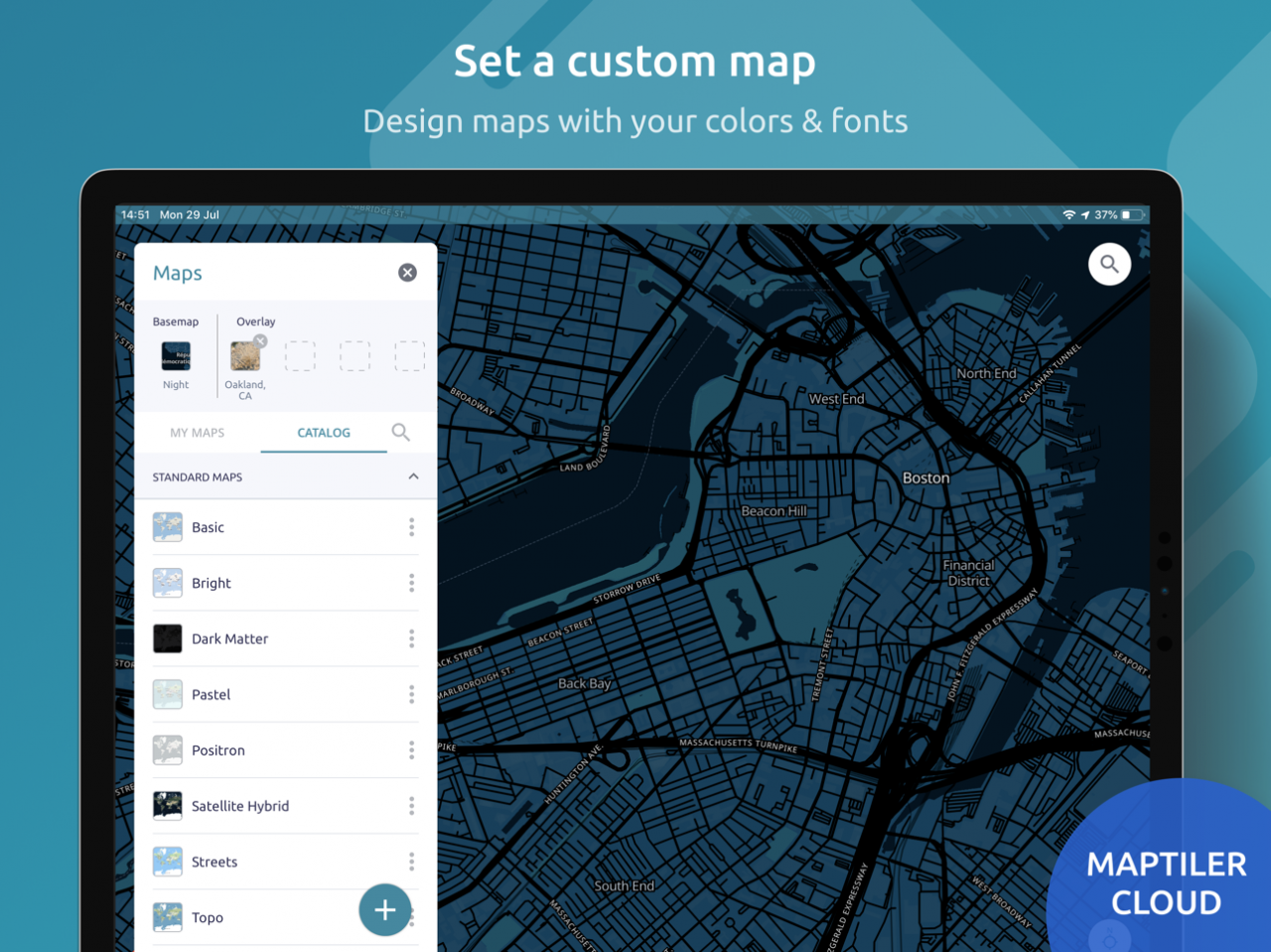
Choose from various basemaps like street and satellite. Preview on a mobile device the map you previously designed with own colors and fonts in MapTiler Cloud.
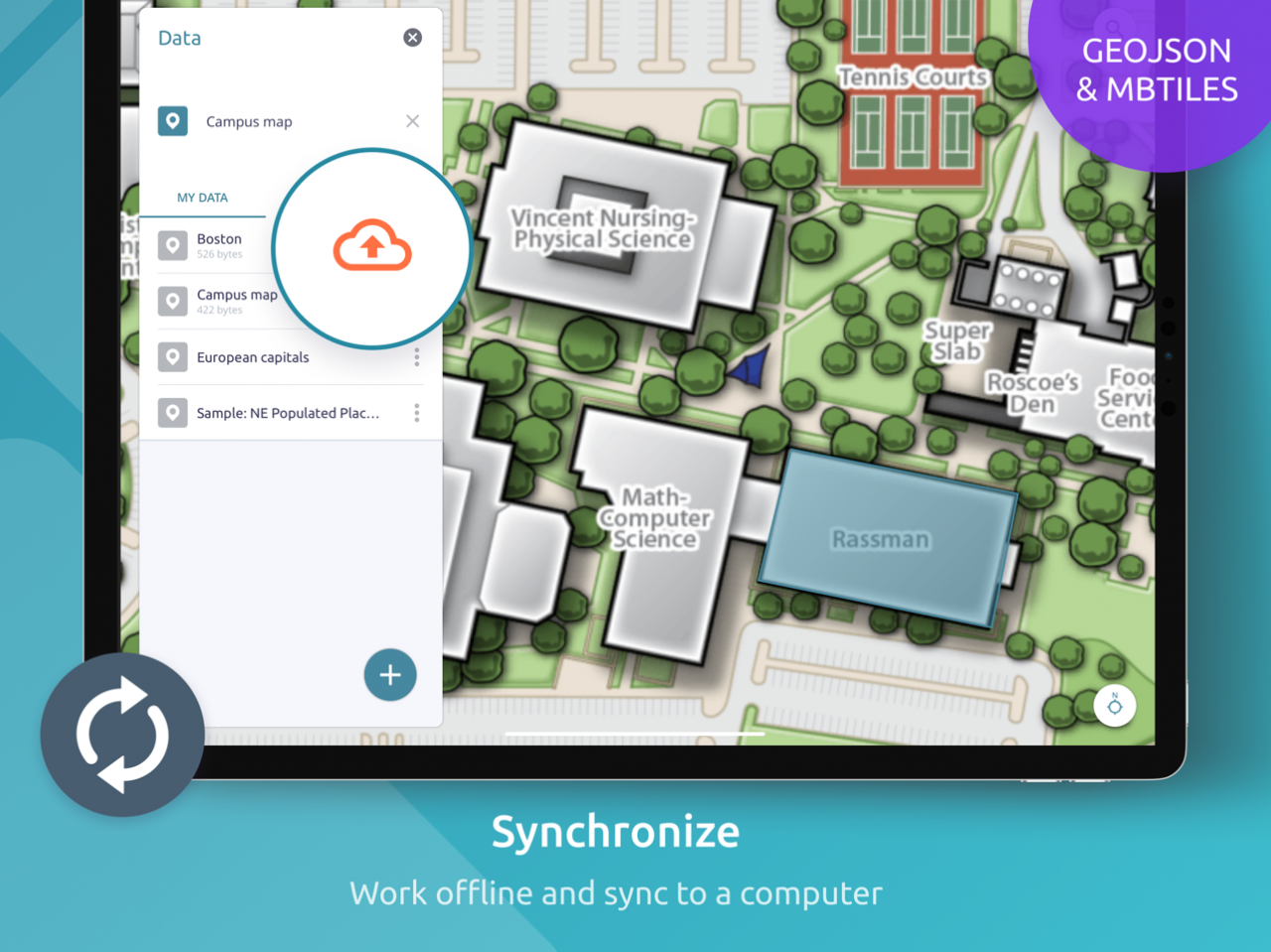
The app supports GeoJSON and MBTiles formats and data synchronization between multiple devices and desktop computer using cloud. I it easy to share the data with other people and collaborate! Perfect for mobile data collection for GIS and surveys.
Import scanned hiking maps, PDF maps, drone aerial imagery, nautical charts for sailing and navigation with a boat or a yacht, fishing maps, aeronautical charts for flight planning by pilots, parcels and city plans and other opendata from local government. OpenStreetMap vector maps are powered by OpenMapTiles project (the successor of OSM2VectorTiles). Maps can come from existing tile servers with OGC WMTS, TileJSON or XYZ tiles from.
Supported geodata formats by MapTiler: GeoTIFF, TIFF, JPEG, ECW, SID / MrSID, NOAA KAP / BSB, DEM, OziExplorer OZI OZF2 & OZFX3, WebP, JP2, JPEG2000, GeoJP2, Erdas, Grass, Safe, Sentinel2, SRTM, NASA imagery, USGS map sheets, exports from ESRI ArcGIS, ArcSDE, etc.
The GeoJSON can be converted from / to: ESRI ShapeFile (SHP), DXF, DWG, GPX, CSV and KML.
Contact us if you want to use the functionality from this app in a rebranded app for your customers, for your business use-case or for presenting your own maps. We can provide the source code and assist with customization.
Apr 3, 2021 Version 2.1.6
Fix: when editing on Google base map, the geometry being edited was moving top-down when zooming in.
Upgrade to MapLibre 5.11.0
About MapTiler Mobile
The company that develops MapTiler Mobile is Klokan Technologies. The latest version released by its developer is 2.1.6.
To install MapTiler Mobile on your iOS device, just click the green Continue To App button above to start the installation process. The app is listed on our website since 2021-04-03 and was downloaded 0 times. We have already checked if the download link is safe, however for your own protection we recommend that you scan the downloaded app with your antivirus. Your antivirus may detect the MapTiler Mobile as malware if the download link is broken.
How to install MapTiler Mobile on your iOS device:
- Click on the Continue To App button on our website. This will redirect you to the App Store.
- Once the MapTiler Mobile is shown in the iTunes listing of your iOS device, you can start its download and installation. Tap on the GET button to the right of the app to start downloading it.
- If you are not logged-in the iOS appstore app, you'll be prompted for your your Apple ID and/or password.
- After MapTiler Mobile is downloaded, you'll see an INSTALL button to the right. Tap on it to start the actual installation of the iOS app.
- Once installation is finished you can tap on the OPEN button to start it. Its icon will also be added to your device home screen.
Program Details
System requirements
Download information
Pricing
Version History
version 2.1.6
posted on 2021-04-03
Apr 3, 2021 Version 2.1.6
Fix: when editing on Google base map, the geometry being edited was moving top-down when zooming in.
Upgrade to MapLibre 5.11.0
version 2.1.5
posted on 2021-02-17
Feb 17, 2021 Version 2.1.5
Improvements and bug fixes
* Bug fixes and performance improvements
* Improving application installation - ensuring user account has been created before catalogs download starts. This fixes cases when users experienced blank screen after installation.
version 2.1.2
posted on 2021-01-15
Jan 15, 2021 Version 2.1.2
Migrated to maplibre native library and fixing error which caused raster mbtiles stored on the device were not displayed.
version 2.1.0
posted on 2020-11-15
Nov 15, 2020 Version 2.1.0
Updated to latest mapbox native libraries and improved error reporting.
version 2.0.1
posted on 2019-08-27
Aug 27, 2019 Version 2.0.1
- files with spaces in their names are no longer causing a crash
- minor bug fixes and improvements
version 1.0
posted on 2016-12-02
Disclaimer
Official App Store Link
We do not host MapTiler Mobile on our servers. We did not scan it for viruses, adware, spyware or other type of malware. This app is hosted by Apple and passed their terms and conditions to be listed there. We recommend caution when installing it.
The App Store link for MapTiler Mobile is provided to you by apps112.com without any warranties, representations or guarantees of any kind, so access it at your own risk.
If you have questions regarding this particular app contact the publisher directly. For questions about the functionalities of apps112.com contact us.
